|
Discover how Zebra barcode scanning technology helps warehouses capture damaged, faded and poorly printed barcodes, reduce scanning interruptions and keep inventory operations moving.
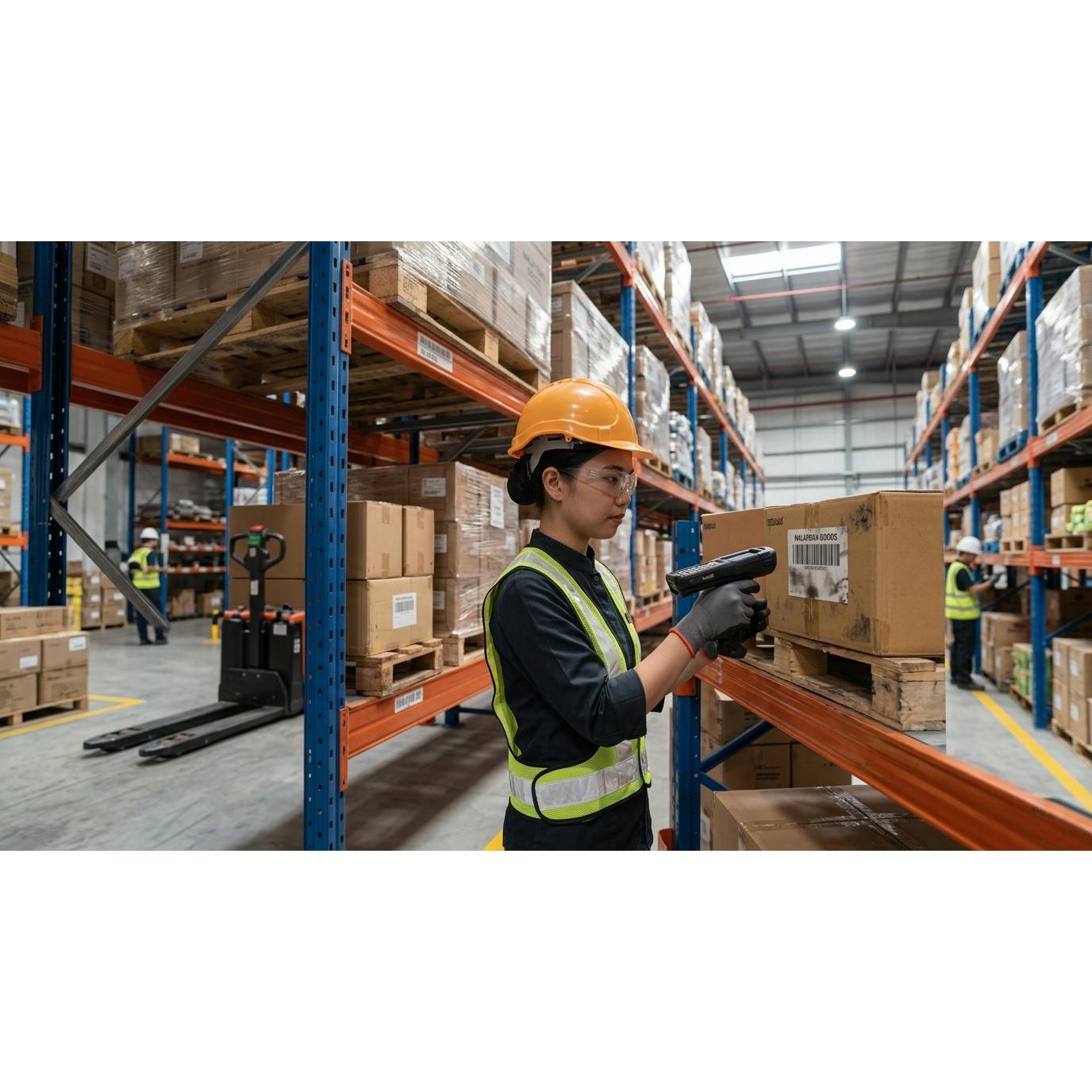 Warehouse Barcode Scanner Malaysia: How to Read Damaged Barcodes
How to Read Damaged Barcodes?
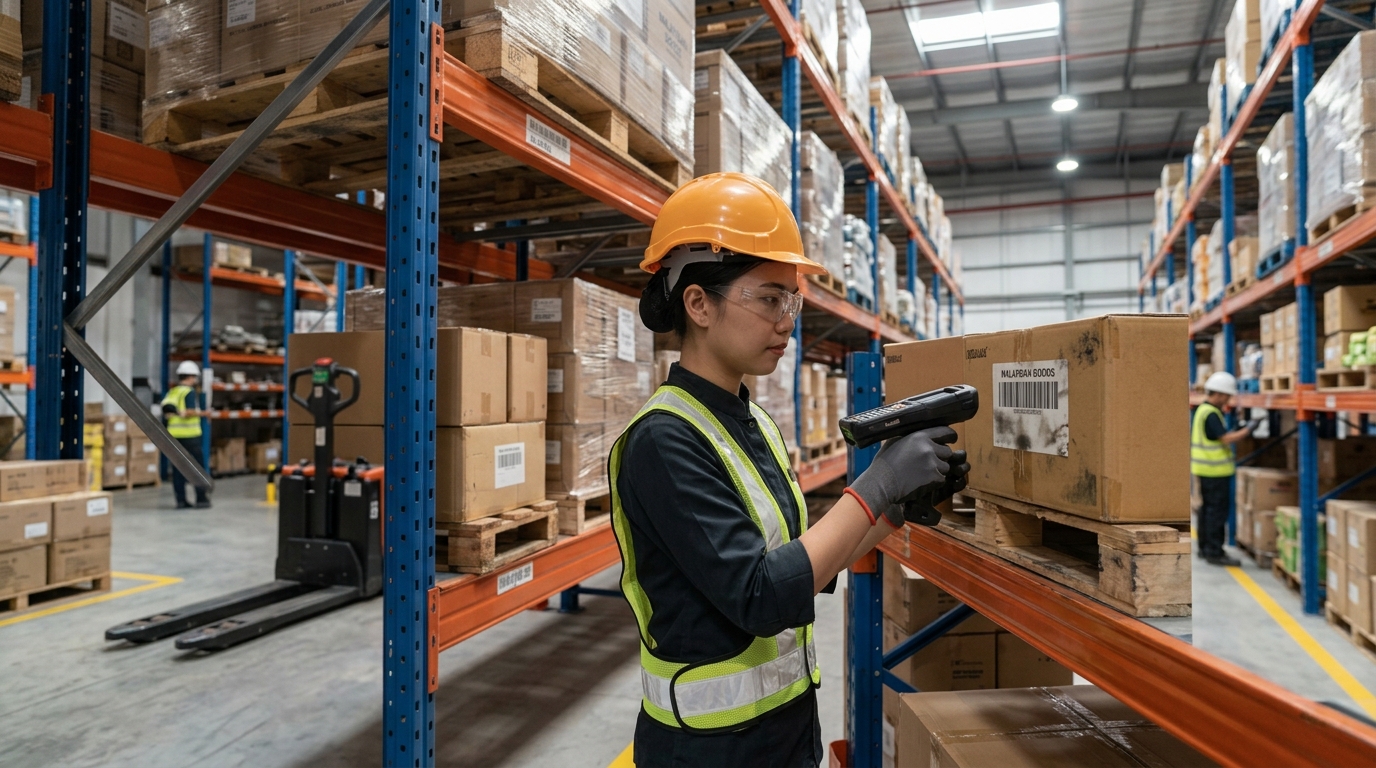
Imagine a warehouse worker preparing an order for dispatch. The item is picked, the quantity is checked and the package is ready to move to the next stage. But when the worker scans the barcode, nothing happens.
The worker tries again. They adjust the scanner angle, move closer and attempt another scan. The barcode still cannot be read.
This may seem like a small problem, but repeated scanning failures can interrupt warehouse operations. Workers may need to inspect labels manually, reprint barcodes or ask another team member for assistance. When these situations happen throughout the day, they can affect picking, receiving, stock verification and dispatch workflows.
For warehouses in Malaysia, barcode scanning reliability is particularly important when handling high volumes of inventory, working across multiple storage areas or operating under demanding conditions. Barcodes can become difficult to read because of poor printing quality, fading, scratches, creases, dirt, low contrast or damage during handling.
This is where the right warehouse barcode scanner can make a difference.
Zebra offers barcode scanning solutions designed for different working environments, including warehouse operations. Selected Zebra scanners use PRZM Intelligent Imaging technology, which is designed to improve the capture of challenging and lower-quality barcodes. The results depend on the scanner model, barcode condition and application. Severely damaged or incorrectly printed codes may still require corrective action. Zebra PRZM Intelligent Imaging
In this article, we explain what happens when a warehouse scanner cannot read a damaged barcode, why it happens, how businesses can troubleshoot the problem and what to consider when choosing a suitable Zebra barcode scanning solution.
🔍 1. Why Do Warehouse Barcodes Become Difficult to Scan?
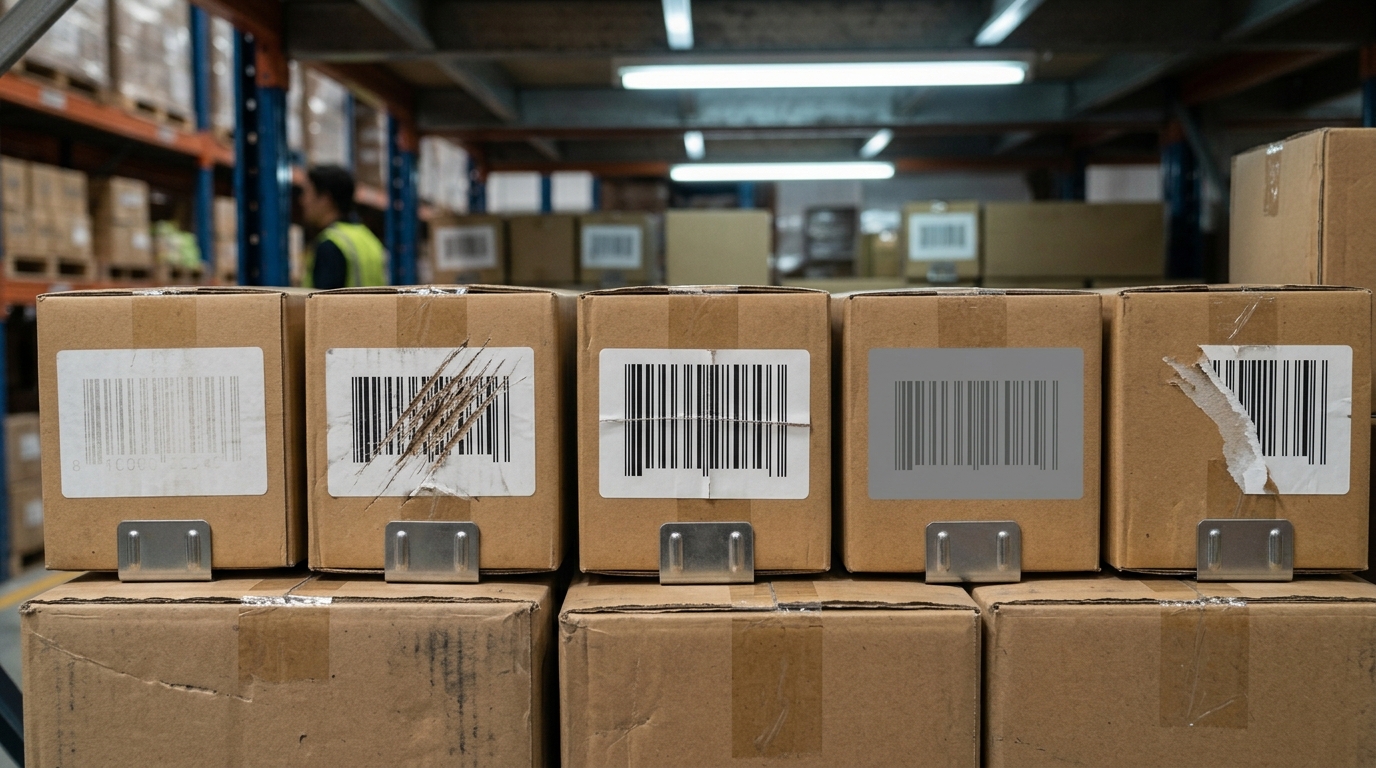
Barcodes provide a way to identify products, cartons, pallets and other inventory items through a scanning system. However, successful scanning depends on more than simply pointing a scanner at a label.
The barcode must contain a readable pattern, the scanner must support the relevant barcode type, and the scanning conditions must be suitable.
Several common problems can make warehouse barcodes difficult to read.
Poorly printed barcodes
Barcodes may be difficult to scan when the printer produces faded lines, incomplete bars, uneven printing or insufficient contrast between the dark and light areas.
This can happen because of unsuitable printer settings, worn printheads, poor-quality consumables or incorrect barcode dimensions.
Damaged or scratched labels
Cartons and products can experience friction during storage, picking, transportation and handling. Scratches, tears and missing sections may damage the barcode pattern and make it harder for a scanner to decode.
Faded or low-contrast barcodes
Labels exposed to unsuitable storage conditions or prolonged handling may fade over time. Low contrast between the barcode and its background can also reduce readability.
Crumpled, curved or distorted surfaces
A barcode printed on a creased label or curved package may be harder to capture, depending on its size, position and the scanner's capabilities.
Dirt, dust and reflections
Warehouse environments can expose labels to dust, dirt and other contaminants. Glossy label surfaces or reflections can also interfere with image capture under certain conditions.
The important point: a barcode scanning failure does not always mean the scanner is faulty. The problem may originate from the barcode, the label material, the scanning settings or the environment.
Identifying the cause helps warehouse teams choose the right corrective action rather than repeatedly attempting the same scan.
⚠️ 2. What Happens When a Scanner Cannot Read a Damaged Barcode?
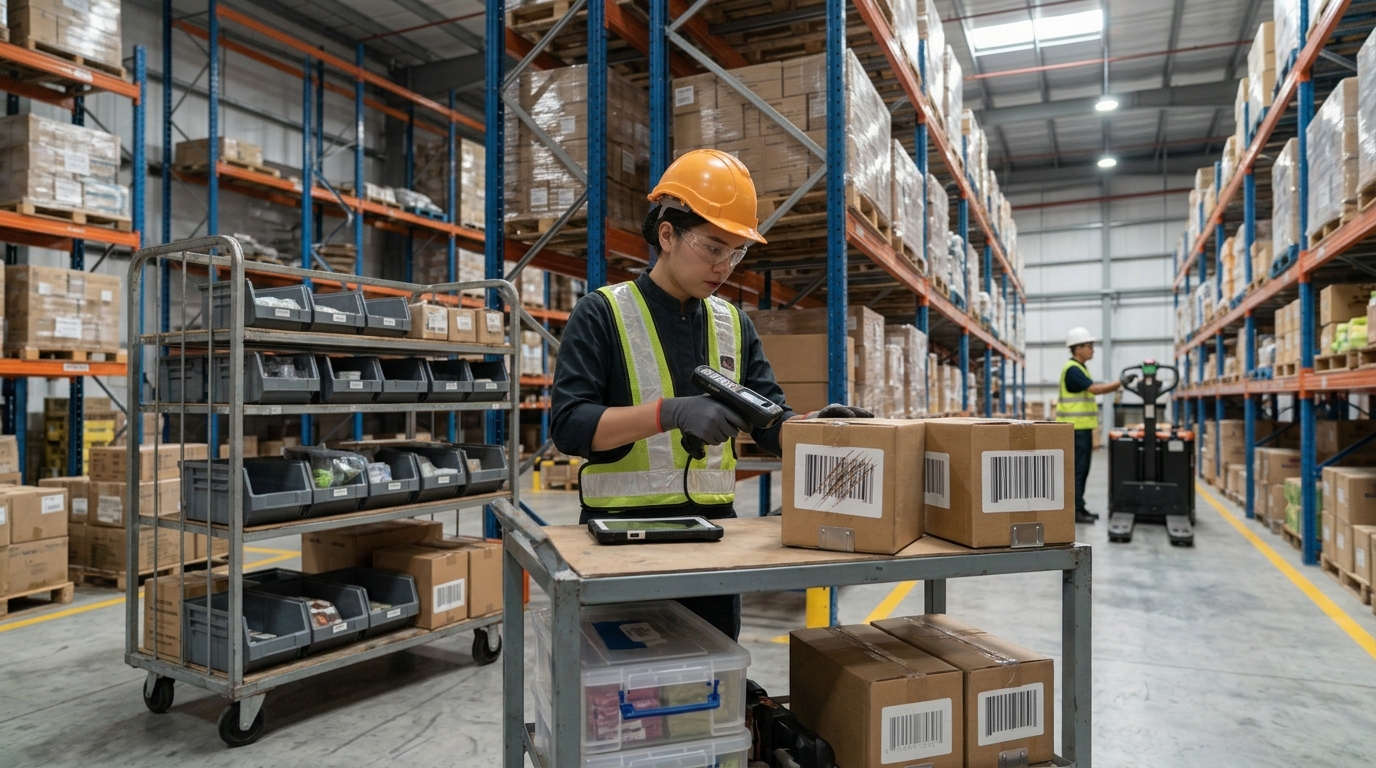
When a barcode cannot be decoded, the consequences can extend beyond one unsuccessful scan. The impact depends on the warehouse workflow, system configuration and how staff handle exceptions.
Delays during receiving
During goods receiving, workers may need to scan product labels, carton identifiers or shipment references before inventory can be recorded.
If a barcode cannot be read, staff may need to locate another label, enter information manually or contact the relevant team to verify the item. This can slow down the receiving process, especially when multiple cartons require attention.
Interruptions during order picking
Warehouse picking often involves locating the correct product and confirming its identity before moving it to packing or dispatch.
Repeated scanning attempts can interrupt the worker's routine. If an exception process is unclear, the worker may need to leave the picking area to request assistance or investigate the label.
Additional work during stocktaking
Inventory counting and stock verification depend on capturing the correct product or location information.
When barcodes are difficult to read, workers may need to inspect labels manually or repeat scans. This creates additional work and can make the stocktaking process less efficient.
Risks during dispatch
Before an order leaves the warehouse, scanning may be used to verify products, cartons or shipment information.
A failed scan can delay dispatch while the label is checked or replaced. If workers bypass the normal verification process without following approved procedures, the risk of incorrect data entry may increase.
Incomplete or inaccurate inventory records
When scanning problems are handled inconsistently, manual workarounds may introduce errors. Incorrect product identifiers or missing transactions can affect the reliability of inventory records.
A scanner alone cannot guarantee inventory accuracy. Businesses also need suitable barcode standards, reliable labels, correct software configuration and clear operating procedures.
🏭 3. How Advanced Barcode Scanning Technology Helps
%20(8).png)
Traditional scanning performance can be affected by barcode quality, lighting, scanning distance, label orientation and the type of barcode being used.
Advanced imaging-based scanners capture an image of the barcode and process it to identify the encoded information. Depending on the device, its decoding capabilities and the barcode condition, this approach can help read challenging labels that are difficult for less capable scanners.
What is Zebra PRZM Intelligent Imaging?
PRZM Intelligent Imaging is a Zebra scanning technology designed to improve barcode capture performance, including for challenging barcode conditions. Zebra describes the technology as capable of decoding inferior-quality data and supporting capture across different conditions and distances, subject to the capabilities of the specific scanner. Read about PRZM Intelligent Imaging
In warehouse applications, suitable Zebra scanners can help workers capture barcodes that may be:
- Poorly printed or faded
- Scratched, crumpled or distorted
- Dirty or affected by low contrast
- Difficult to capture because of their position or distance, within the scanner's supported range
This can help reduce unnecessary scanning attempts when the barcode remains readable by the selected device.
However, advanced imaging is not a way to recover every damaged barcode. If important parts of the code are missing, the label is incorrectly encoded or the barcode falls outside the scanner's supported capabilities, it may still be necessary to replace the label or verify the information through an approved alternative process.
Why does the right scanner matter?
Not every barcode scanner offers the same capabilities. A device designed for a retail counter may not be suitable for a warehouse environment involving long shifts, rough handling, dust or repeated scanning at different distances.
When evaluating a scanner, businesses should consider barcode types, working distance, expected scan volume, environmental conditions, device durability and compatibility with their warehouse system.
🛠️ 4. What Should Warehouse Staff Do When a Barcode Will Not Scan?
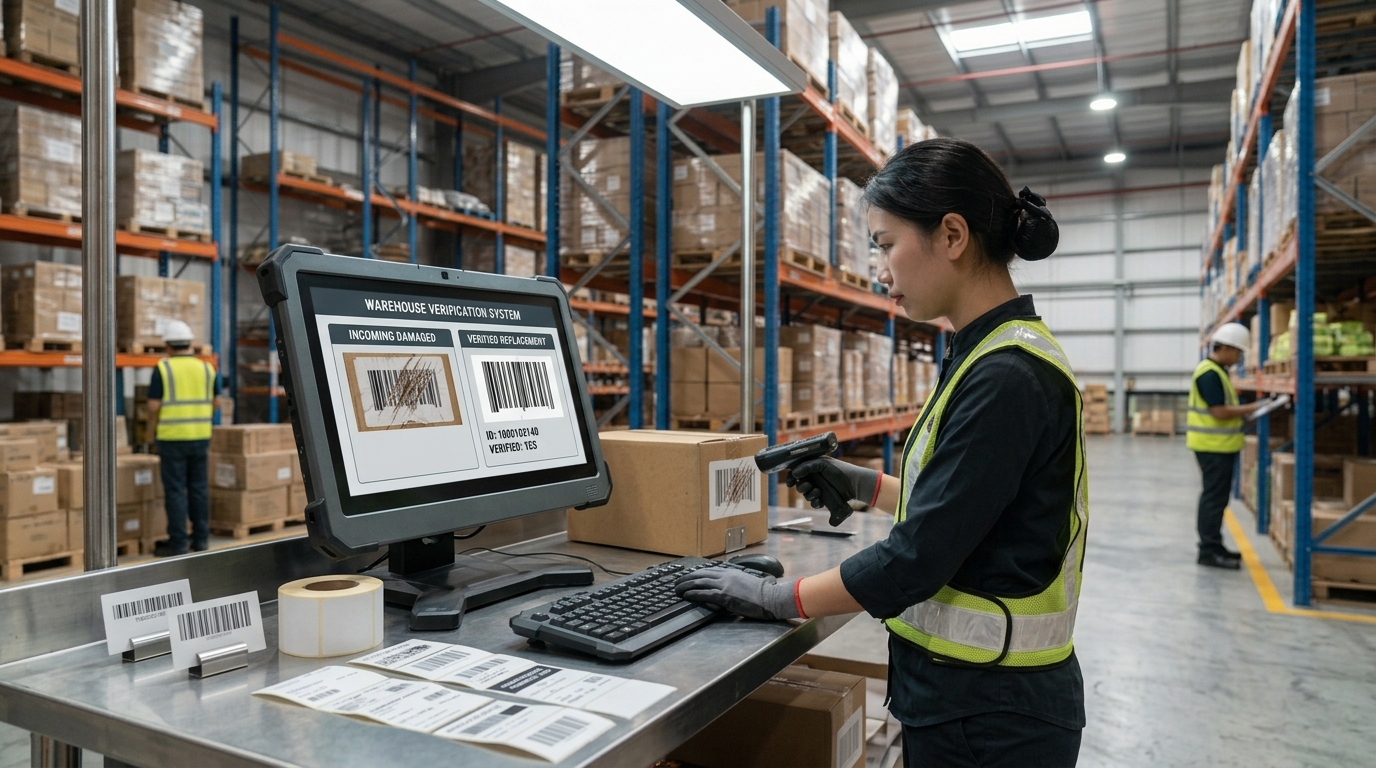
Even with a capable scanner, warehouse teams need a consistent process for handling unreadable labels. Repeatedly attempting to scan a severely damaged barcode may waste time without solving the underlying problem.
A practical troubleshooting process can help identify whether the issue comes from the label, scanner or system.
Step 1: Inspect the barcode label
Check for scratches, tears, creases, fading, dirt or incomplete printing.
If the barcode is visibly damaged, clean or replace the label where appropriate and follow the warehouse's approved relabelling procedure.
Step 2: Check the scanning position
Position the barcode within the scanner's supported reading area. Adjust the angle or distance if necessary, and reduce reflections where possible.
The appropriate scanning distance and orientation depend on the scanner model and barcode dimensions.
Step 3: Confirm the barcode type is supported
Warehouses may use different barcode symbologies, including common one-dimensional and two-dimensional codes.
If a scanner does not support the barcode type or the relevant decoder is disabled, the device may not read the code even if it appears visually clear. Check the scanner's configuration and product documentation.
Step 4: Check the scanner and its settings
Inspect the scanning window for dirt or damage, confirm that the device is operating correctly and check whether the relevant scanning settings are configured appropriately.
For supported Zebra devices, settings such as decoding security or redundancy may influence how the scanner handles difficult barcodes. Changes should be made according to the device's documentation and tested against the actual workflow, because more aggressive decoding settings may affect scan speed. Zebra scanner troubleshooting guidance
Step 5: Reprint the barcode when necessary
If the label is damaged or was poorly printed, reprinting it may be the most effective solution.
Check the barcode dimensions, print quality, contrast and label material. A more capable scanner can help with some difficult codes, but it cannot compensate for every barcode production problem.
Step 6: Follow an approved exception process
If the barcode remains unreadable, follow the warehouse's procedure for verifying the item and correcting the label.
Avoid entering an identifier based on guesswork. Any manual entry or alternative verification should follow the business's accuracy and traceability requirements.
📱 5. Choosing a Zebra Barcode Scanner for Warehouse Operations
.jpg)
Selecting a warehouse barcode scanner involves more than looking for a device advertised as fast or durable. The right choice depends on where and how the scanner will be used.
Zebra offers several scanner categories, including general-purpose handheld scanners and ultra-rugged models for demanding working environments.
Handheld barcode scanners
Handheld scanners are useful when workers need to scan individual products, cartons, labels or location codes as they move through warehouse tasks.
When selecting a handheld scanner, consider the barcode types, expected scanning distance, daily usage and whether the device will be used in a general indoor area or a more demanding warehouse environment.
Ultra-rugged warehouse scanners
Some warehouse operations require equipment designed to withstand demanding handling conditions.
Zebra's DS3608/DS3678 ultra-rugged scanner family is featured in Zebra's warehouse solutions material for tasks such as inventory cycle counting. These models are designed for demanding environments, with the DS3608 being a corded option and the DS3678 a cordless option within the family. Confirm the exact configuration and capabilities required for your application before selecting a device. Zebra warehouse solutions brochure
Mobile computers with integrated scanning
In some warehouses, workers need more than a scanner. They may need to capture a barcode, view inventory information, confirm a picking task and update a transaction through a warehouse management system.
A mobile computer with integrated barcode scanning can combine these activities in one device, provided it is compatible with the software and workflow.
For businesses evaluating a solution, the key questions are:
- Do workers scan individual products, cartons, pallets or storage locations?
- Do they need cordless movement around the warehouse?
- Are the barcodes one-dimensional, two-dimensional or a combination?
- How far away must labels be scanned?
- Will the device be exposed to dust, impacts or other demanding conditions?
- Does the scanner or mobile computer integrate with the current WMS or ERP system?
- What level of device management, support and maintenance is required?
A suitable solution should match the actual operation rather than being selected solely on its maximum advertised scanning capability.
🏷️ 6. Do Not Overlook Barcode Label Quality
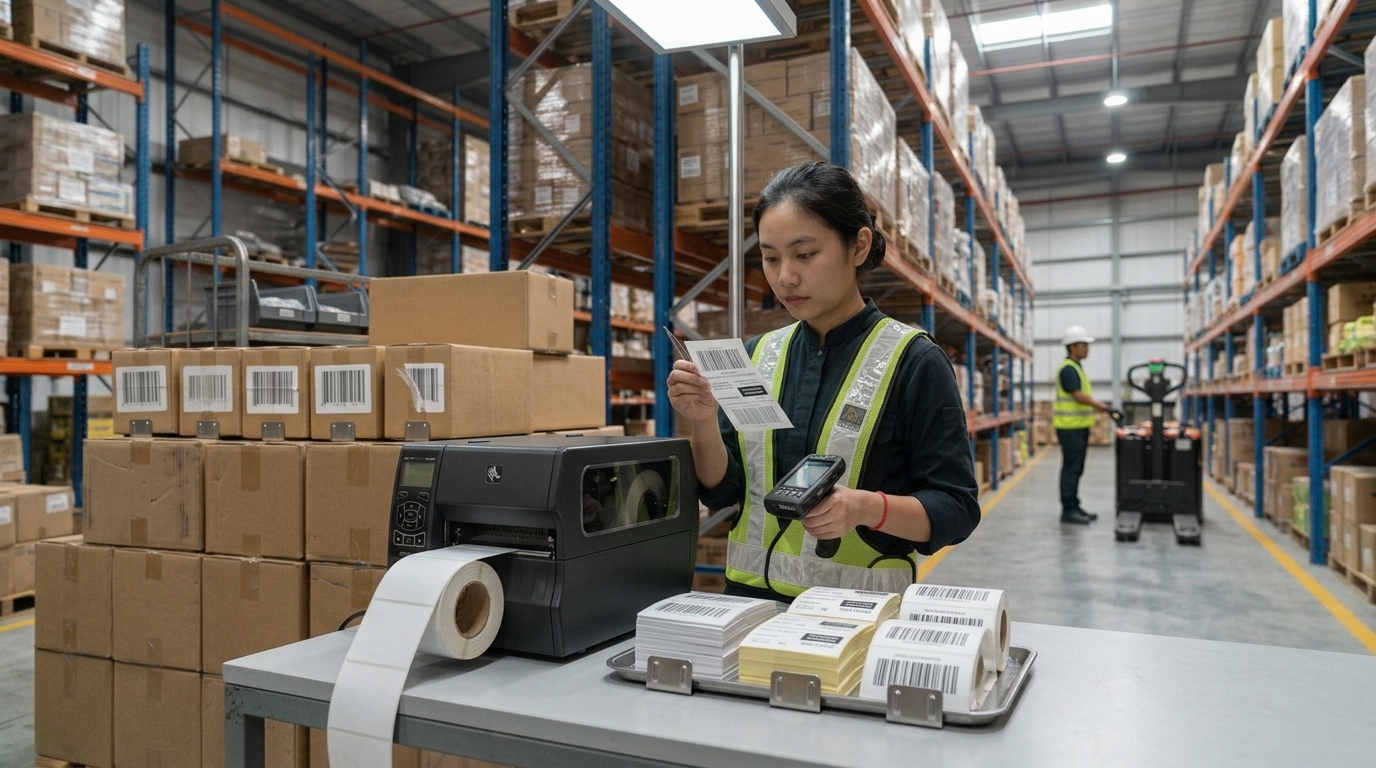
Advanced barcode scanning technology is important, but the quality of the printed barcode remains a critical part of the process.
Even a high-performance scanner can struggle with a code that is severely damaged, incorrectly formatted or printed outside the relevant specifications.
Warehouse teams should work with their label printing process to maintain consistent barcode quality.
Practical ways to improve barcode quality
Maintain printer condition: Inspect and maintain barcode printers according to the manufacturer's guidance.
Use suitable label materials: Choose labels that can withstand the expected storage, handling and transportation conditions.
Check print contrast and dimensions: Ensure that the bars, spaces and quiet zones meet the relevant barcode specifications.
Test labels before large-scale use: Verify sample labels with the scanners and systems that will be used in daily operations.
Replace damaged labels promptly: Avoid relying on labels that are visibly deteriorated when accurate identification is required.
Review the full workflow: Barcode readability depends on the interaction between the label design, printing process, scanning device and application.
For example, if the same product label repeatedly fails to scan at different warehouse stations, the label itself should be investigated instead of assuming every scanner is faulty.
A reliable barcode process combines good label production with suitable scanning technology and clear procedures for exceptions.
🔄 7. How Reliable Barcode Scanning Supports Warehouse Digitalization
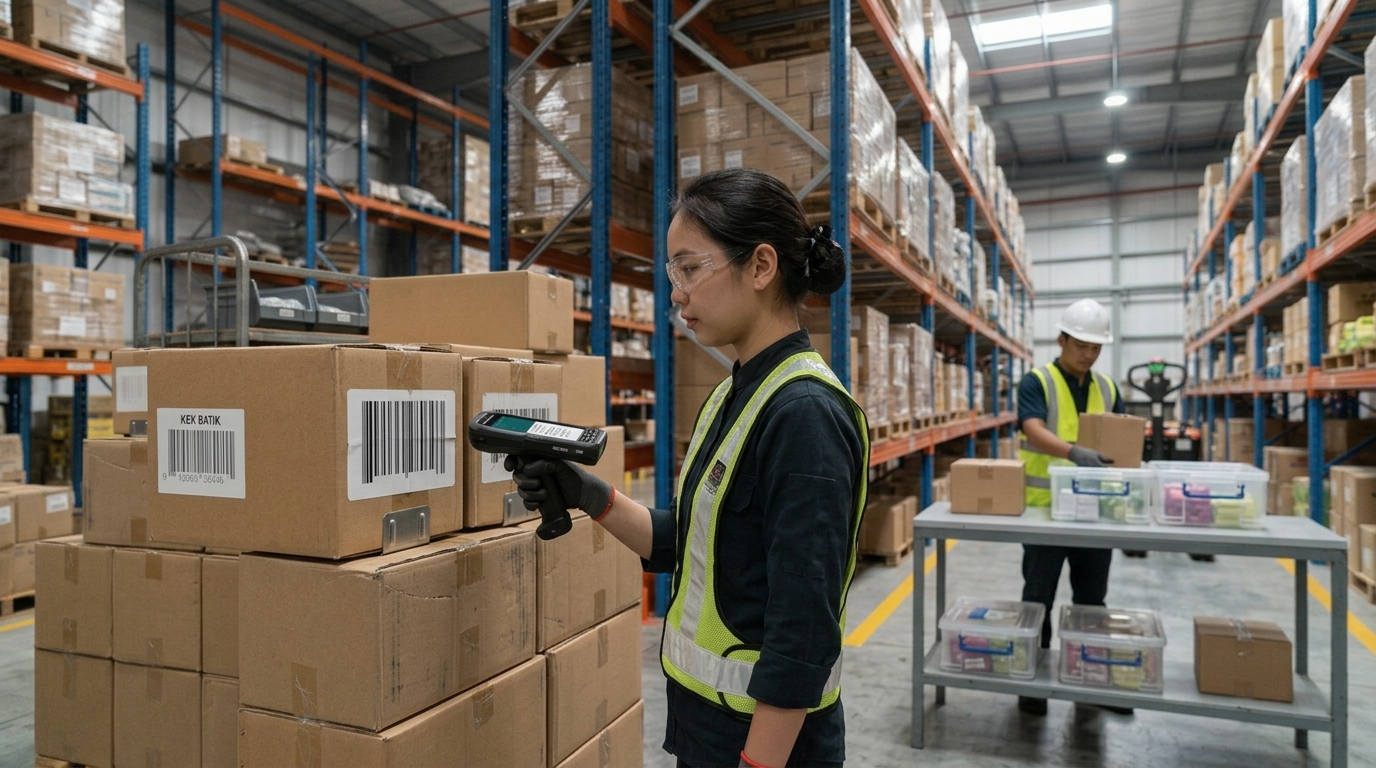
Warehouse digitalization depends on capturing accurate information at the point where work takes place.
When barcode scanning is integrated with a warehouse management system (WMS), inventory software or an enterprise resource planning (ERP) system, a successful scan can help workers identify items and record transactions according to the system's workflow.
Depending on the software configuration, scanning may support:
- Goods receiving: Identify incoming products and capture receipt information.
- Put-away: Confirm products and storage locations.
- Order picking: Verify the item or location associated with a picking task.
- Stocktaking: Capture product or location identifiers during inventory checks.
- Packing and dispatch: Support order verification and shipment processing.
- Inventory traceability: Maintain records associated with scanned identifiers and completed transactions.
The scanner is the data-capture component; the WMS or ERP manages the business process and records. Integration, configuration and transaction rules determine what happens after a barcode is read.
For this reason, businesses should assess both the hardware and the software workflow when addressing recurring scanning issues. A scanner that reads the barcode reliably still needs to send the correct data to the intended application.
🇲🇾 Choosing a Warehouse Barcode Scanning Solution in Malaysia
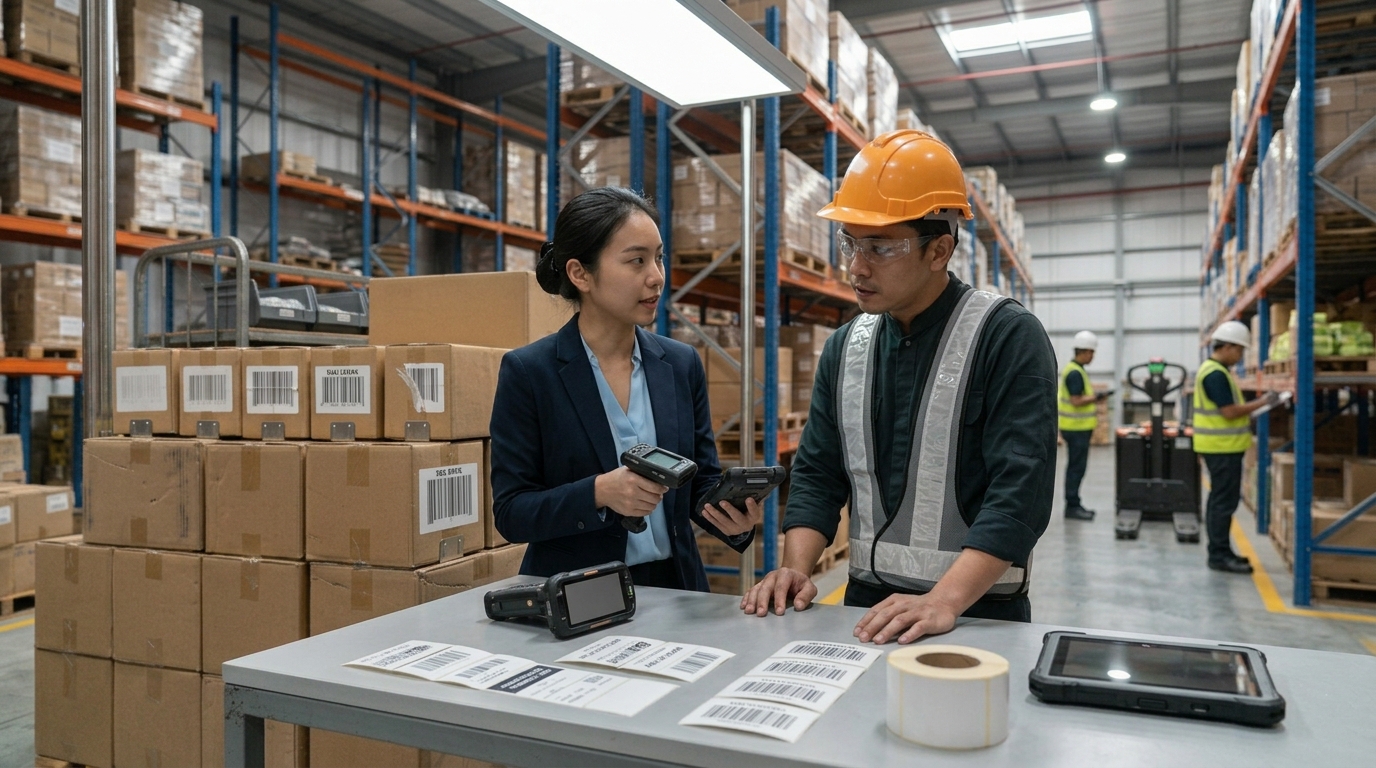
For Malaysian manufacturers, logistics providers, distributors, retailers and warehouse operators, barcode scanning reliability can be an important consideration when reviewing operational efficiency.
Before choosing a new scanner, identify the actual problem. Is it damaged labels, poor printing quality, scanning distance, an unsuitable device, unsupported barcode types or an issue with system configuration?
A structured assessment can help avoid replacing equipment unnecessarily.
At ALC-TECH (M) SDN BHD, we work with businesses to explore Auto-ID and digitalization solutions that fit their operational requirements. This includes discussing Zebra barcode scanning options for warehouse applications and considering how devices may fit into existing inventory workflows.
Rather than selecting a scanner based only on its specifications, businesses should evaluate the barcode types, working environment, scanning distance, durability requirements, device connectivity and software compatibility.
Where scanning failures are frequent, testing representative damaged and correctly printed labels with the proposed device can help establish whether the solution meets the real operating requirements.
✅ Reduce Barcode Scanning Interruptions With the Right Warehouse Scanner
Damaged, faded, poorly printed and distorted barcodes can interrupt warehouse activities when workers cannot identify products or locations efficiently.
The solution is not always to replace the scanner. Businesses should first identify the cause of the failure, review barcode label quality, check scanner settings and ensure that the device supports the required barcode types.
For applications involving challenging labels, selected Zebra scanners featuring PRZM Intelligent Imaging can help improve the capture of lower-quality barcodes. Rugged scanner options can also be considered where warehouse handling conditions require more durable equipment.
The best results come from combining suitable scanning technology, good barcode printing practices, reliable software integration and clear operating procedures.
Looking for a Zebra warehouse barcode scanner in Malaysia?
Contact ALC-TECH (M) SDN BHD to discuss your warehouse scanning requirements and explore a suitable Auto-ID solution.
WhatsApp: 03 6280 1650
Email: sales@alcaidc.com
Website: www.alcaidc.com
❓ Frequently Asked Questions (FAQ):
1. Can a barcode scanner read a damaged barcode?
Some high-performance barcode scanners can read certain damaged, faded, crumpled or poorly printed barcodes, depending on the scanner model and the condition of the code. If important parts of the barcode are missing or the code is incorrectly printed, the label may need to be replaced.
2. Which barcode scanner is suitable for warehouse use?
The right scanner depends on the barcode types, scanning distance, operating environment and daily workload. General-purpose handheld scanners may suit some tasks, while ultra-rugged models such as Zebra's DS3608/DS3678 family are designed for more demanding applications.
3. What is Zebra PRZM Intelligent Imaging?
PRZM Intelligent Imaging is Zebra technology designed to improve barcode capture performance, including when codes are difficult to read. Availability and performance depend on the scanner model and application.
4. Why does my barcode scanner fail to read a barcode?
Possible causes include poor print quality, a damaged or dirty label, low contrast, incorrect scanning distance, unsupported barcode symbology or scanner configuration issues. Inspect the label and device settings before deciding whether equipment replacement is necessary.
5. Can a better barcode scanner eliminate all scanning failures?
No. A suitable scanner can improve performance in challenging conditions, but it cannot guarantee that every barcode will be readable. Correct barcode formatting, print quality, label condition and system configuration remain important.
6. Should I replace damaged barcode labels?
If a barcode is too damaged to be read reliably, replacing it with a correctly generated and printed label is often the appropriate action. Follow your warehouse's verification and relabelling procedure to preserve accurate product identification.
7. Can Zebra scanners work with a warehouse management system?
Zebra scanning devices can be used in warehouse workflows that involve inventory or warehouse management software. Compatibility depends on the device, application, connectivity and integration requirements. Confirm these details before deployment.
🔗 Explore More:
Zebra PRZM Intelligent Imaging Technology:
https://www.zebra.com/ap/en/software/scanner-software/przm-intelligent-imaging-platform.html
Zebra Barcode Scanners:
https://www.alcaidc.com/Public/ProductGroupBrand.aspx?ItemGroup=1004&Brand=ZEBRA
AGen Warehouse Solutions:
https://www.alcaidc.com/public/Solution/AGenWMS.aspx
ALC-TECH Company Brochure:
https://www.alcaidc.com/Public/Brochure/BrochureSolution.aspx
By:
kavi
| Date:
22 Oct2026
|